Online shopping makes it easy to compare hundreds of products.
It also makes it easy to buy the wrong one.
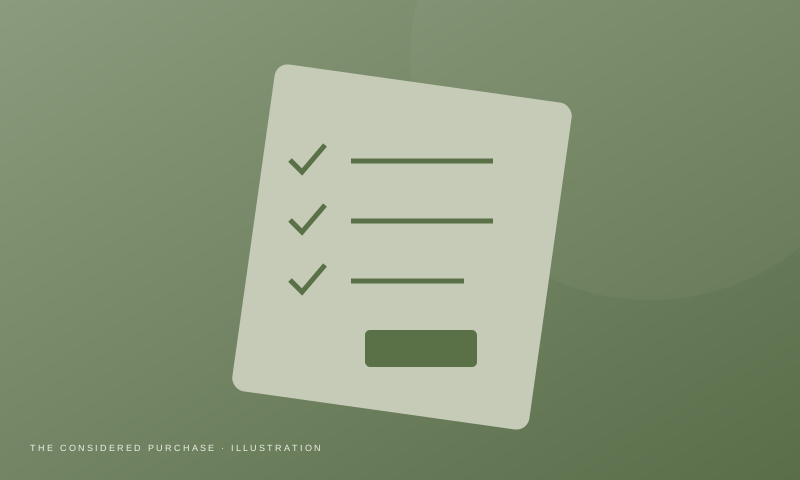
Before ordering a laptop accessory, SSD, keyboard, mouse or home gadget, use this checklist.
1. Check the Exact Model Number
Two products can have almost identical names but completely different specifications.
Always verify the model number.
2. Read Specifications, Not Just Marketing
Look for:
- Ports
- Dimensions
- Compatibility
- Speed
- Power requirements
- Warranty
3. Check Compatibility
Ask:
Will this actually work with my device?
Check:
- Windows/macOS
- USB version
- Connector
- Power requirements
- Display support
4. Check the Seller
Pay attention to:
- Seller identity
- Seller rating
- Warranty
- Return conditions
5. Don't Trust the Headline Price
Compare:
Product + accessories + shipping + required adapters
A cheap product that requires three additional accessories may not be cheap anymore.
6. Look at Reviews Carefully
Don't only read five-star reviews.
Read:
- 1-star reviews
- 3-star reviews
- Recent reviews
Look for repeated complaints.
One isolated complaint may not mean much.
Ten people reporting the same problem is more meaningful.
7. Check Warranty
For electronics, warranty can be more important than saving a small amount of money.
8. Compare Alternatives
Before buying, identify at least two alternatives.
Ask:
What does this product do better?
What does it do worse?
9. Check Whether You Actually Need It
This is the most underrated question.
Don't buy a product because a video made it look useful.
Buy it because it solves a problem you actually have.
10. Think About Long-Term Value
Consider:
- Build quality
- Software support
- Replacement parts
- Warranty
- Upgradeability
Final Rule
Before clicking Buy:
Compatibility → Reviews → Warranty → Seller → Price → Alternatives
That five-minute check can prevent an expensive mistake.