Modern laptops are getting thinner, but that often means fewer physical ports.
You may have a laptop with only USB-C ports but still need:
- HDMI
- USB-A
- SD cards
- Ethernet
- External storage
- Charging
That's where a USB-C hub comes in.
However, not every USB-C hub provides the same performance.
What Is a USB-C Hub?
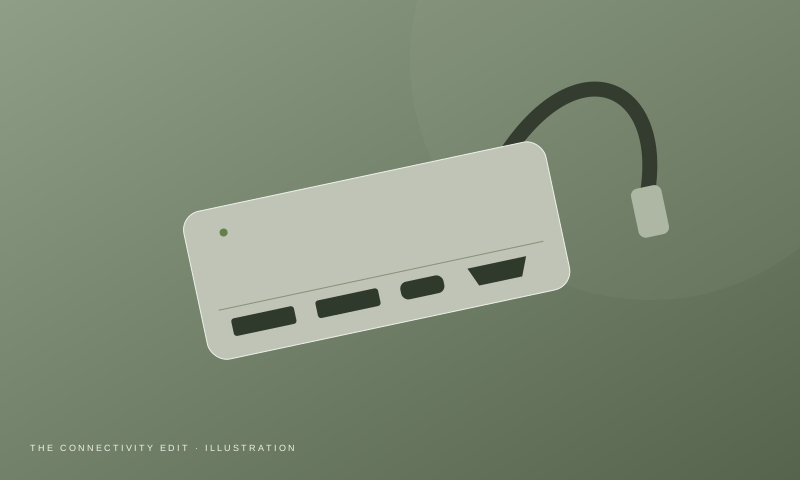
A USB-C hub expands one USB-C connection into several additional ports.
Depending on the model, you may get:
- USB-A
- USB-C
- HDMI
- DisplayPort
- SD card
- microSD
- Ethernet
- 3.5mm audio
- USB-C Power Delivery
The Most Important Feature: USB-C Doesn't Mean One Speed
A USB-C connector describes the physical connector, not necessarily the data-transfer capability.
USB specifications can support different performance levels.
USB-IF's USB 3.2 specification includes 5Gbps, 10Gbps and 20Gbps transfer rates.
Therefore, always check the actual specifications.
Which Ports Do You Need?
HDMI
Important if you connect:
- Monitor
- TV
- Projector
USB-A
Useful for:
- Mouse
- Keyboard
- Flash drives
- Older accessories
SD card
Especially useful for:
- Photographers
- Videographers
- Designers
Ethernet
Useful when:
- Wi-Fi is unreliable
- You transfer large files
- You need stable network performance
USB-C PD
Allows compatible laptops to receive power through the hub.
Hub vs Dock
A hub is generally smaller and designed for basic expansion.
A dock usually provides:
- More ports
- More display options
- Ethernet
- Power delivery
- Permanent desk connectivity
For travel, a hub usually makes more sense.
For a permanent workstation, a dock may be better.
What to Check Before Buying
Check:
- Data-transfer speed
- HDMI resolution/refresh support
- Power-delivery wattage
- SD card speed
- Ethernet speed
- Number of USB ports
- Operating-system compatibility
- Cable length
- Heat management
- Warranty
Don't Overbuy
If you only need:
Mouse + keyboard + HDMI
you probably don't need a $100-style professional dock.
Likewise, if you're a photographer transferring large files every day, a basic four-port hub may become frustrating.
Buy according to your workflow.
Final Verdict
The best USB-C hub is the one that solves your actual port problem.
For simple laptop expansion, a compact hub is enough.
For a desk setup with multiple peripherals, displays and Ethernet, consider a more capable dock.