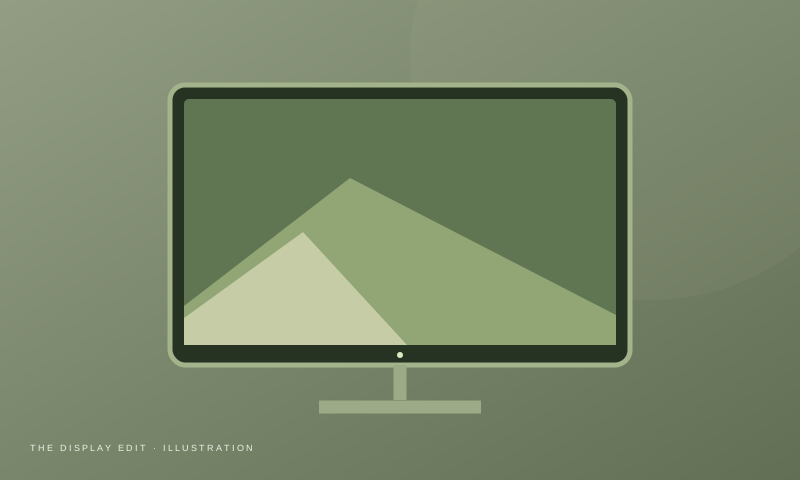
A monitor is one of the most important parts of a computer setup.
Whether you're working in spreadsheets, coding, designing interfaces or editing photos, the wrong display can make everyday work unnecessarily frustrating.
Here are ten things to consider.
1. Screen Size
Common sizes include:
24-inch
Good for smaller desks.
27-inch
A strong all-round size.
32-inch
Useful when you want more workspace.
2. Resolution
Higher resolution generally gives you more pixels and sharper content.
Common resolutions include:
- Full HD
- QHD
- 4K
For a 27-inch productivity monitor, QHD is often an attractive middle ground.
3. Panel Type
Common panel technologies include:
IPS
Popular for:
- Productivity
- Design
- General use
VA
Often provides:
- Strong contrast
- Good black levels
OLED
Offers:
- Excellent contrast
- Very deep blacks
- Fast response
But OLED can be considerably more expensive and has different considerations for long-term static content.
4. Refresh Rate
For office work, extremely high refresh rates aren't essential.
But moving from a basic 60Hz display to a higher-refresh display can make general motion and scrolling feel smoother.
5. Color
For design work, pay attention to:
- Color gamut
- Color accuracy
- Factory calibration
- Color modes
Don't choose a display purely because the colors look extremely saturated in a showroom.
6. Brightness
A brighter monitor isn't automatically better.
What matters is whether you can comfortably see the screen in your actual room.
7. Ergonomics
Look for:
- Height adjustment
- Tilt
- Swivel
- VESA compatibility
A good panel with a terrible stand can still make a poor workstation.
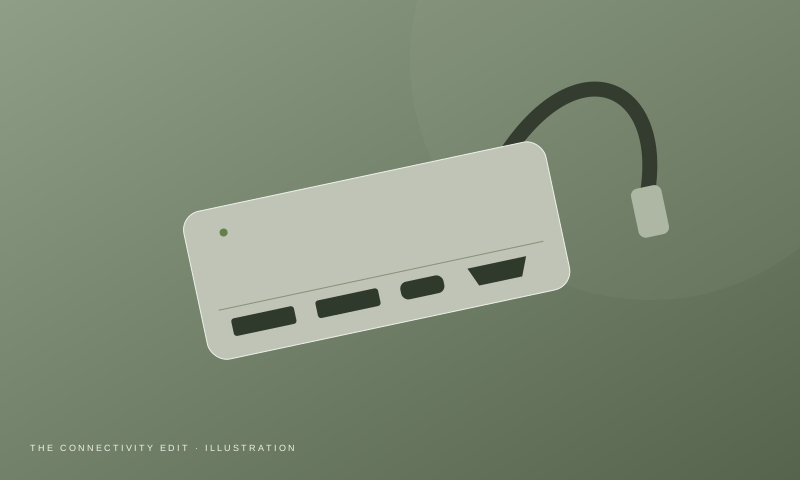
8. Connectivity
Consider whether you need:
- HDMI
- DisplayPort
- USB-C
- USB hub
- Audio output
If you're connecting a laptop, USB-C can be particularly convenient when the monitor supports video and power delivery.
9. Ultrawide vs Standard
An ultrawide monitor can be useful if you frequently work with:
- Multiple windows
- Timelines
- Spreadsheets
- Wide design interfaces
But a standard 16:9 monitor may be simpler and more compatible.
10. Your Desk Size
Measure before buying.
A 32-inch monitor might look great online but overwhelm a small desk.
Monitor Buying Checklist
Before buying, check:
- Screen size
- Resolution
- Panel type
- Refresh rate
- Color coverage
- Brightness
- Ergonomics
- VESA support
- Ports
- Warranty
Final Verdict
For general productivity, prioritize:
Resolution + size + ergonomics + connectivity
For designers, add:
Color accuracy + color gamut
For gaming:
Refresh rate + response time
Don't pay for specifications you'll never use.